MP3Shelf
Local MP3 player for your phone's Music folder: playlists, artwork, alarm.
- Free
- No ads
- No account
- Your music stays on your phone
- Android 8.0+
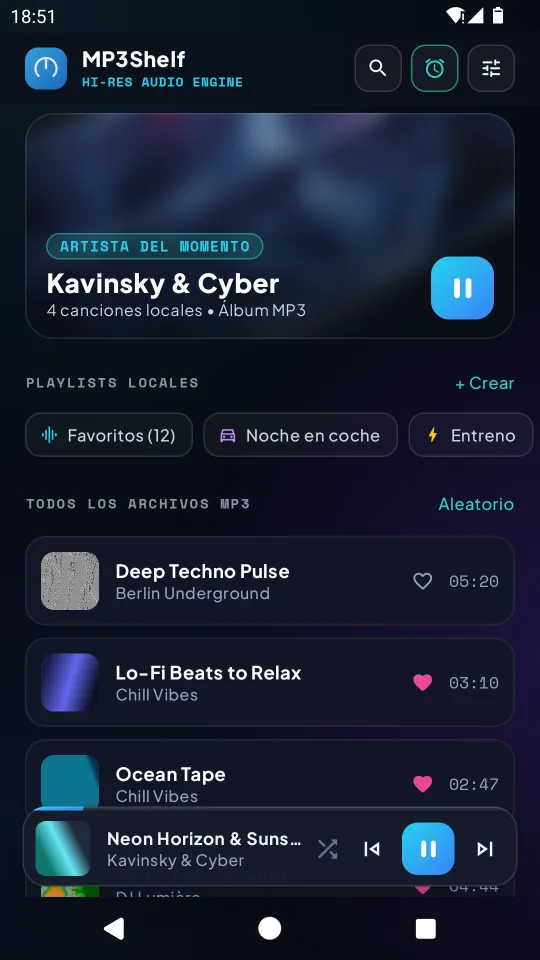
MP3Shelf plays the MP3 files already stored in your phone's Music folder. No online catalogue, no streaming, no account, no ads and no in-app purchases.
Your library
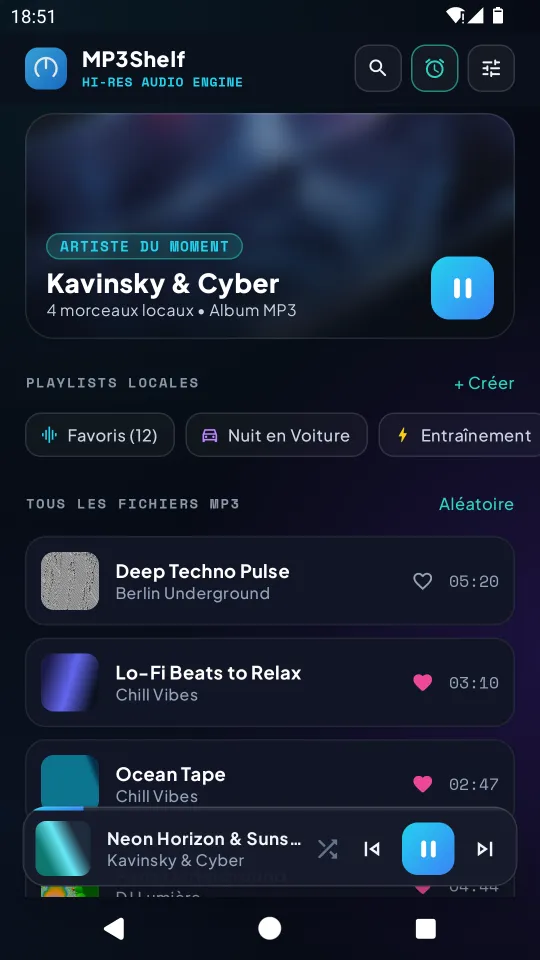
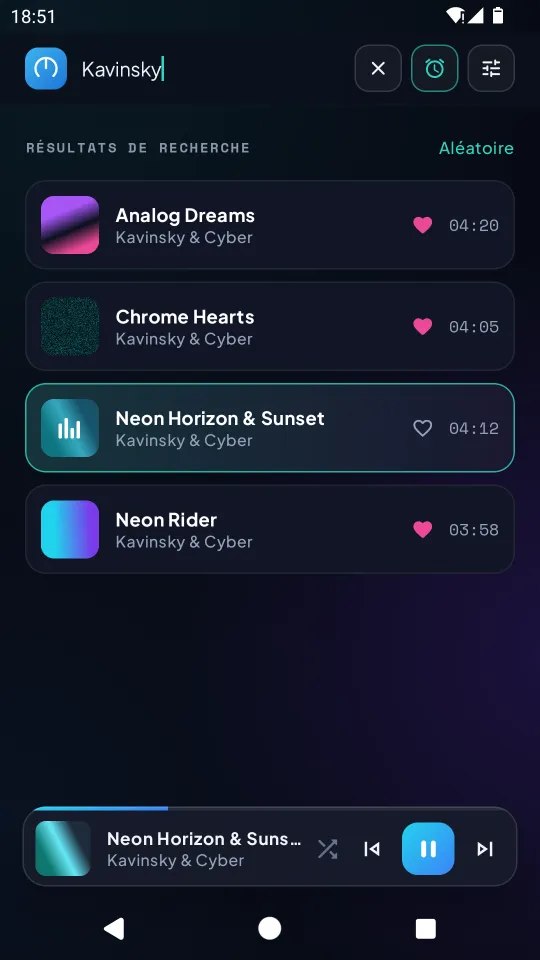
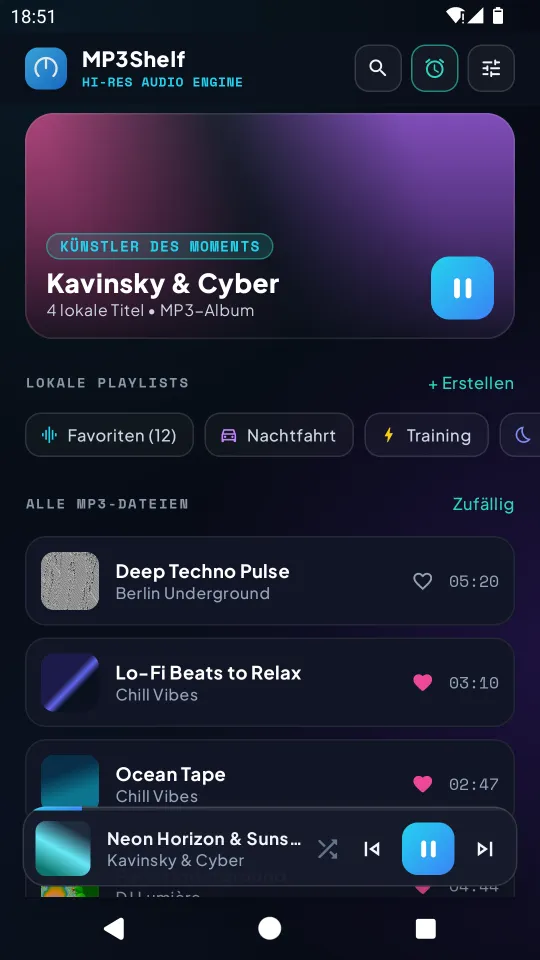
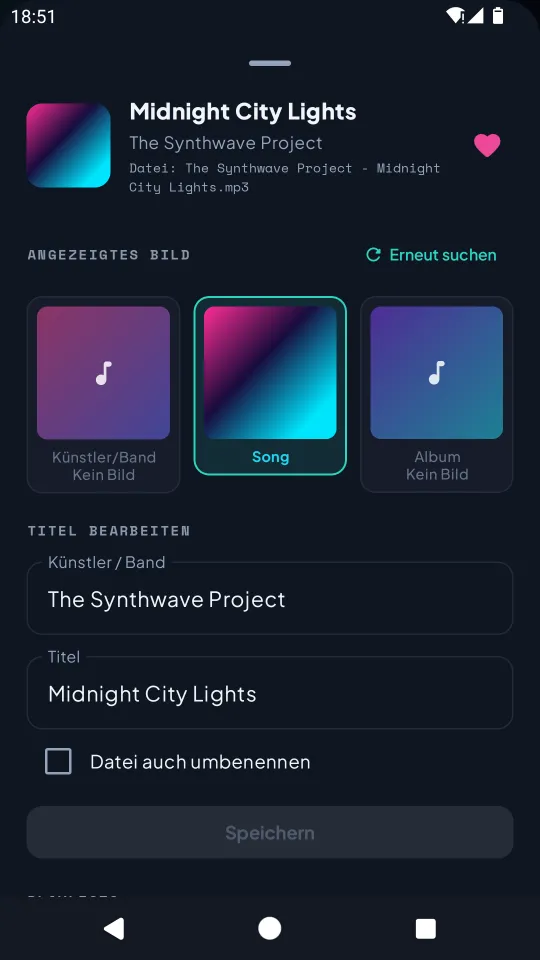
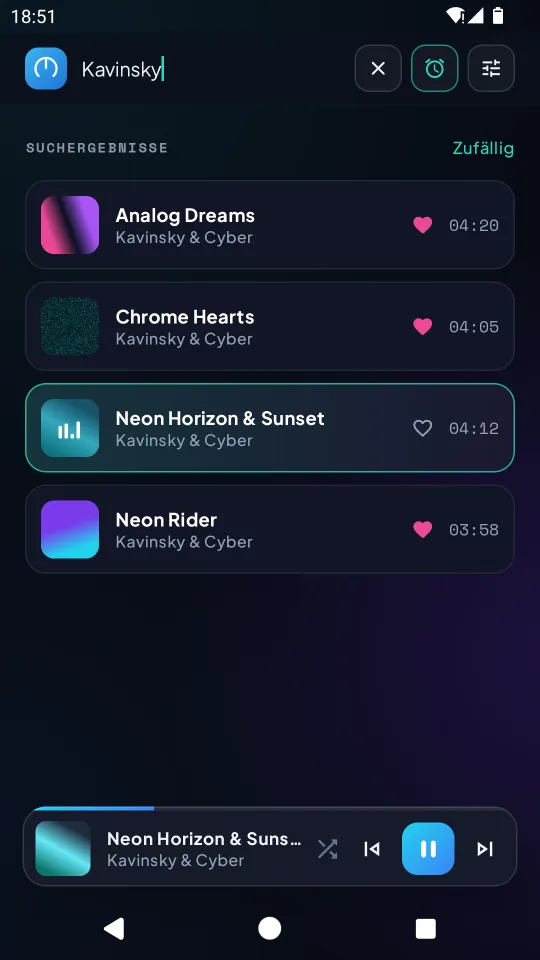
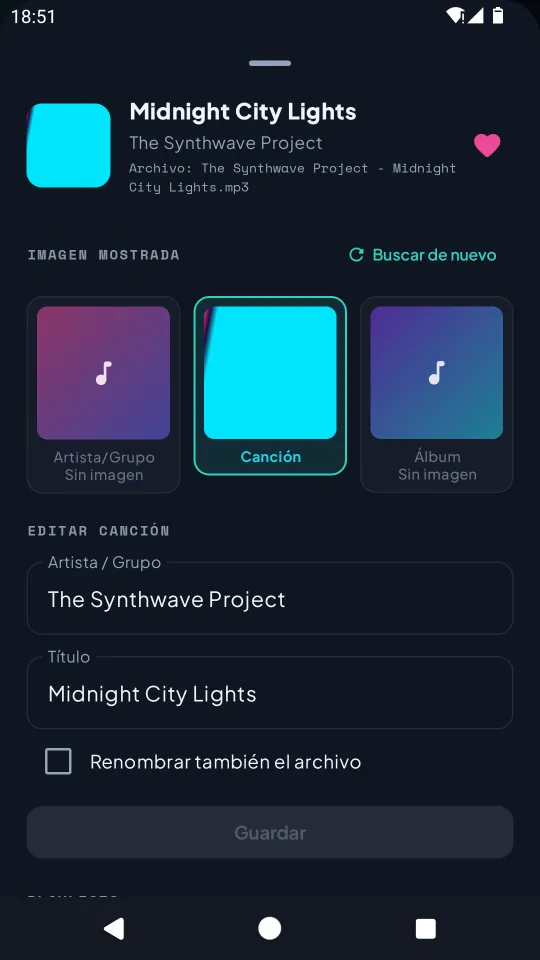
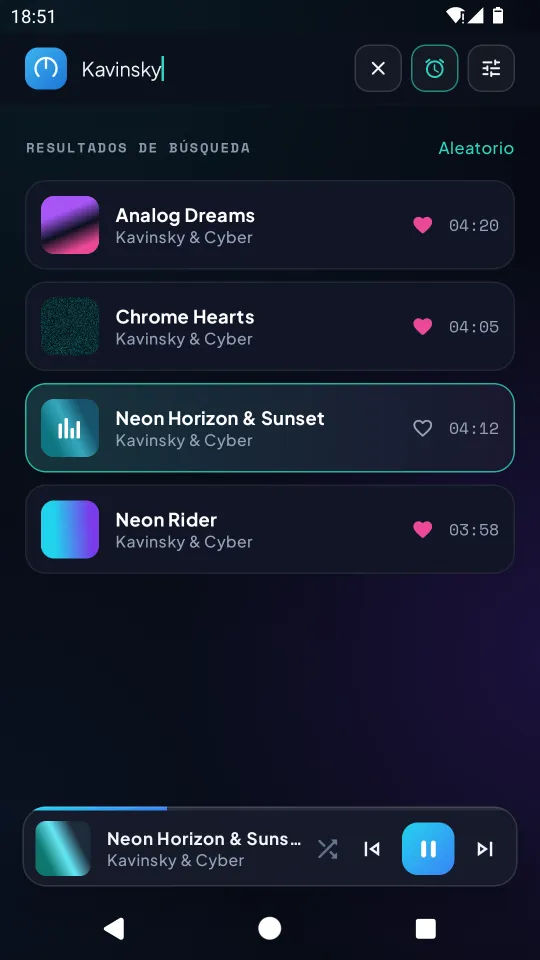
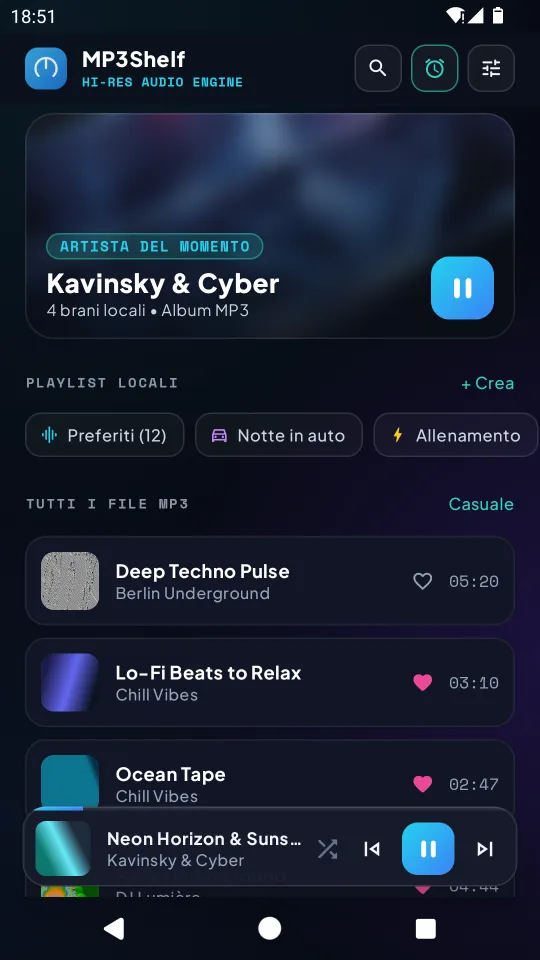
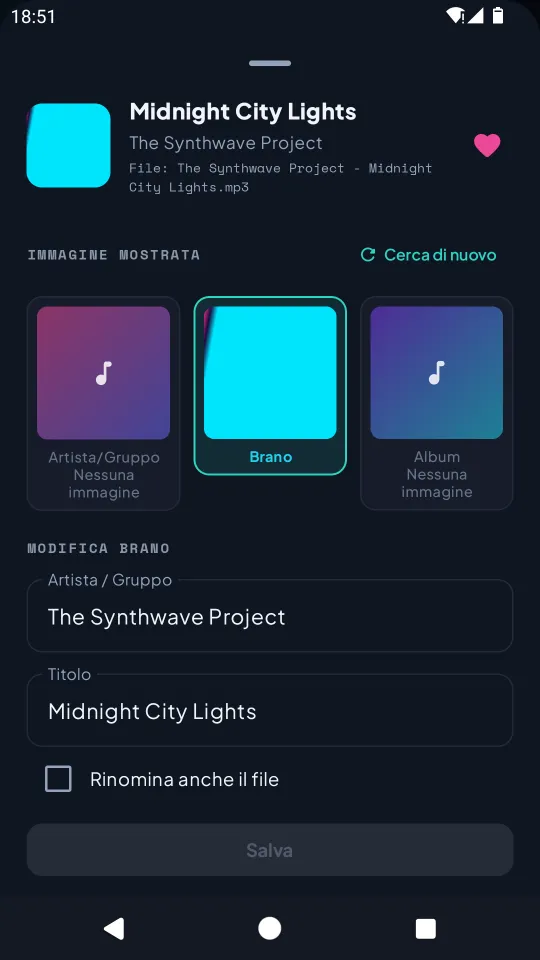
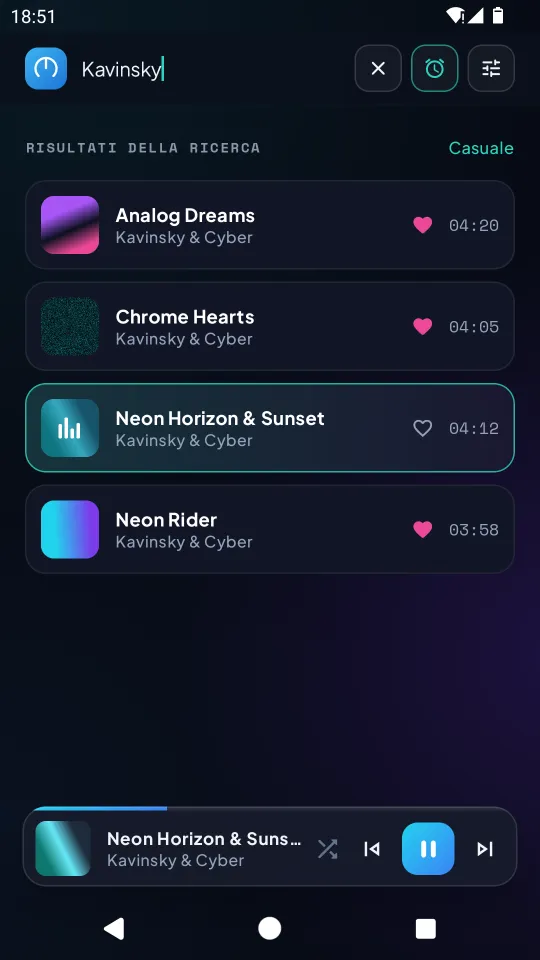
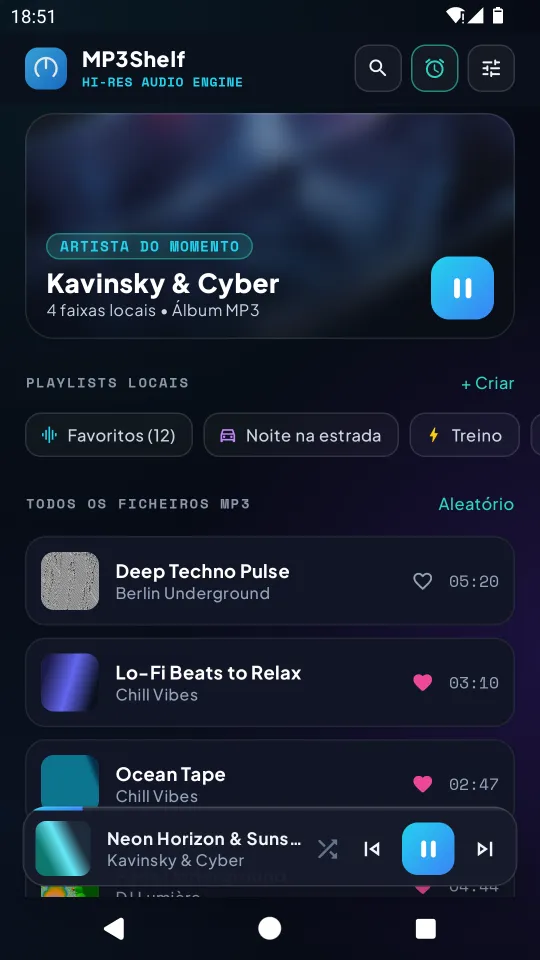
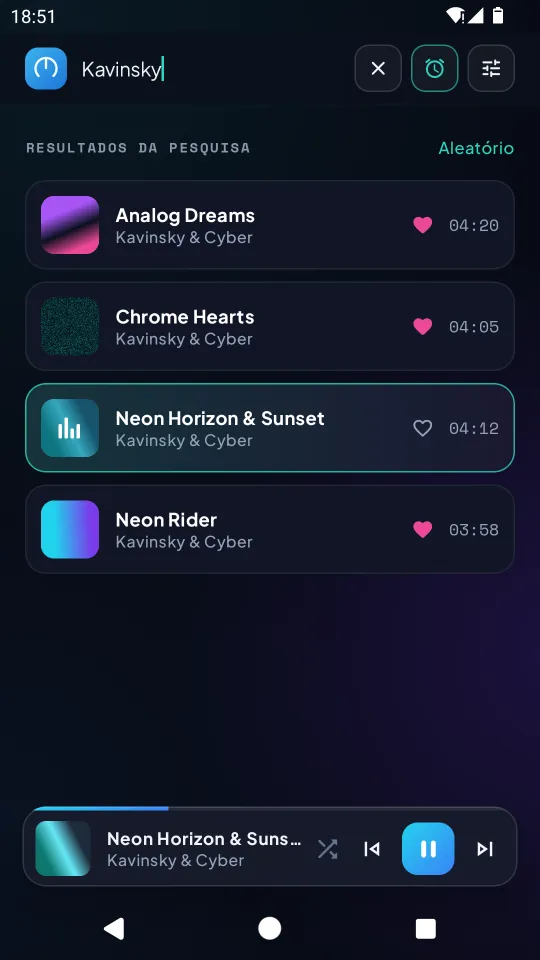
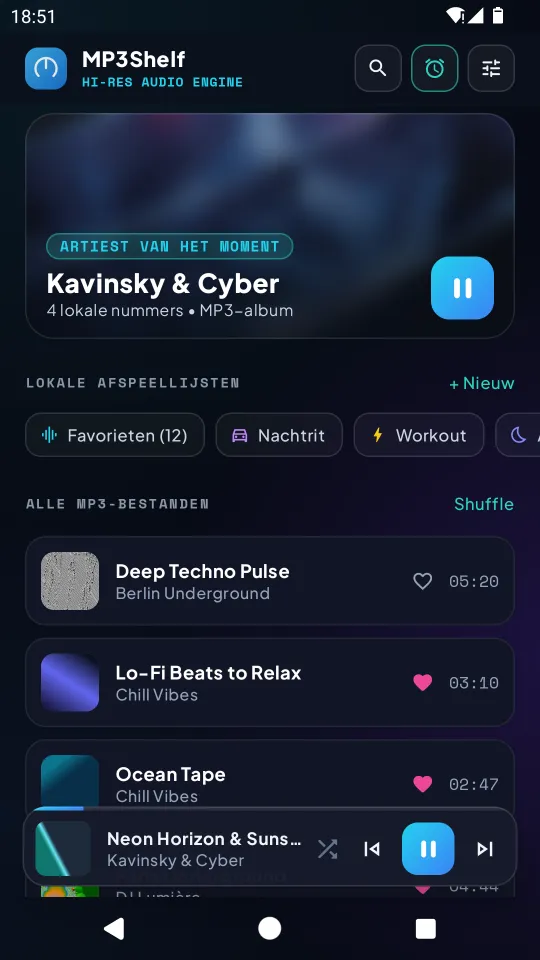
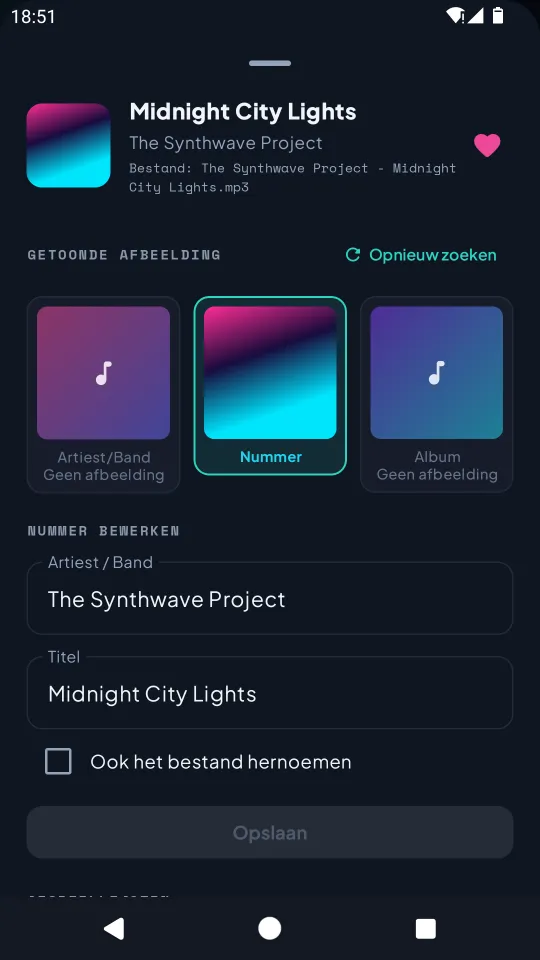
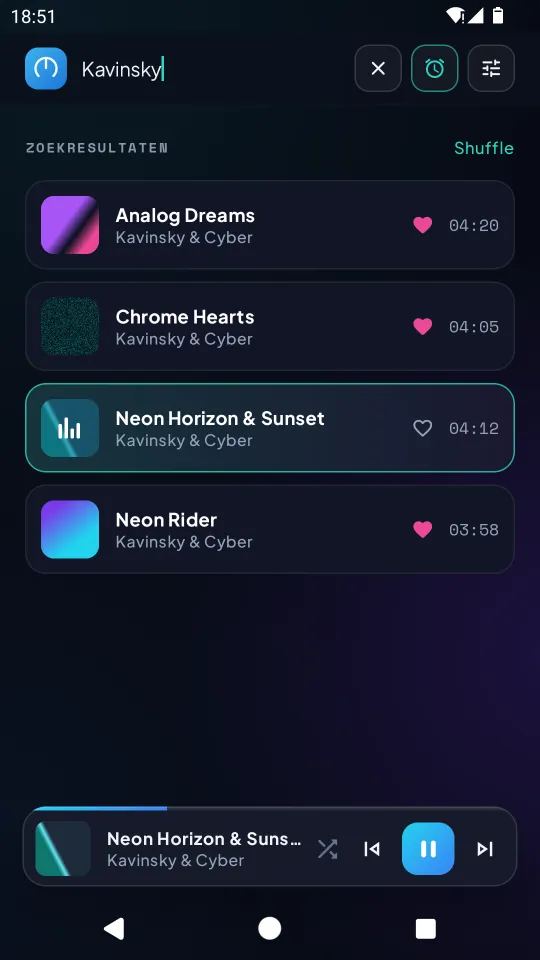
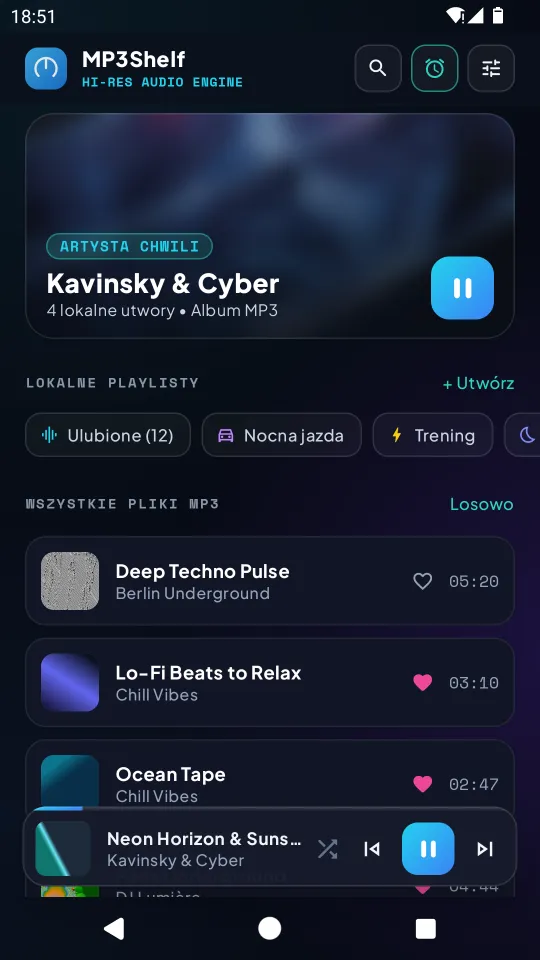
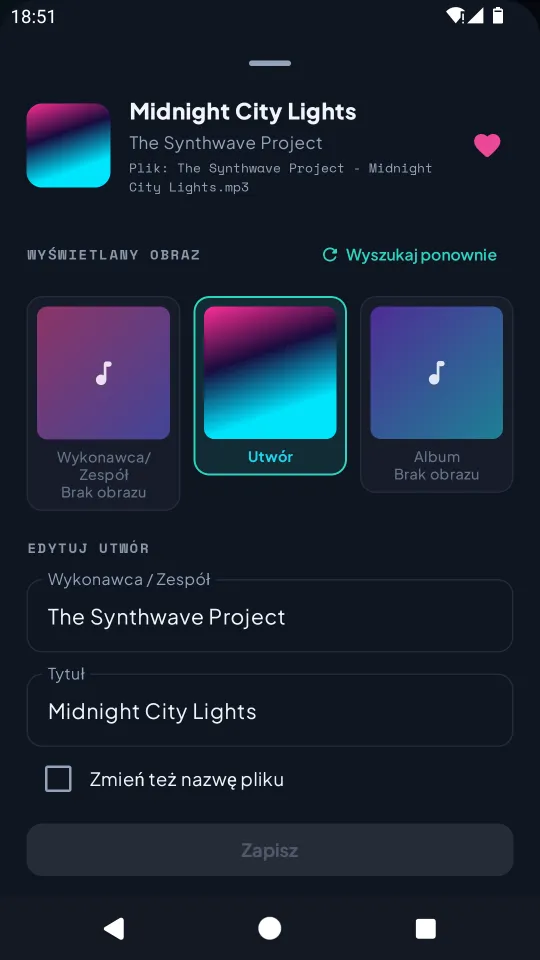
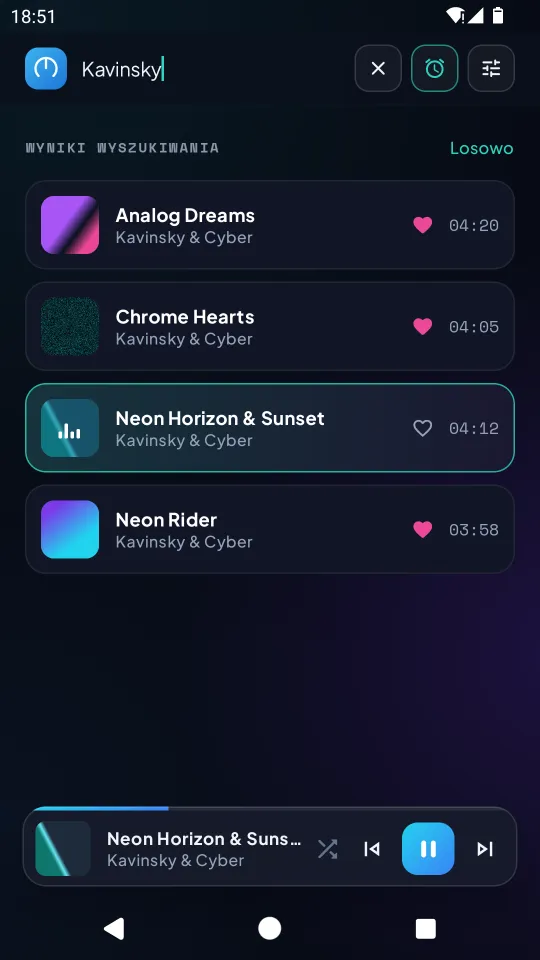
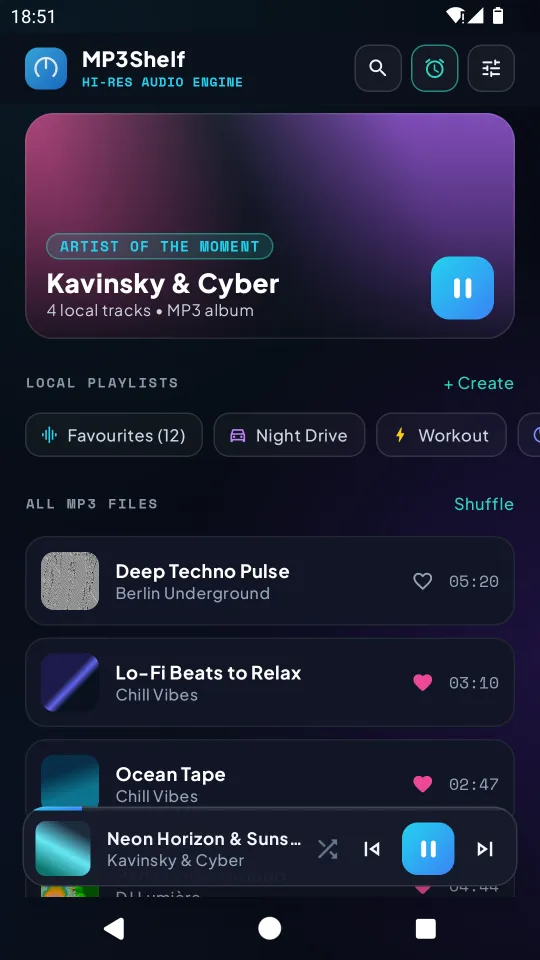
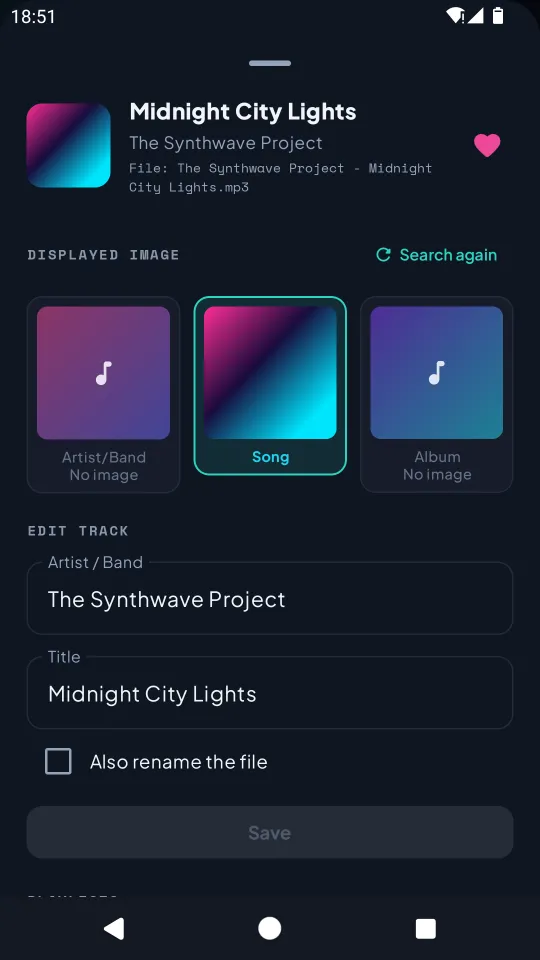
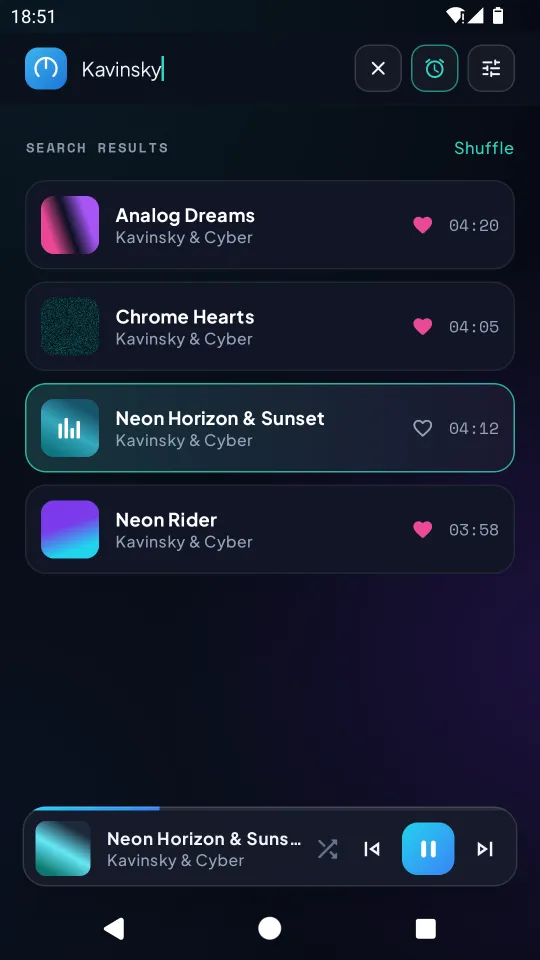
Every MP3 in the Music folder is listed. “Artist - Title.mp3” names are split automatically, otherwise ID3 tags are used. Search by title, artist or album, and fix names or rename files.
Playback
Tap to play, shuffle, and keep listening in the background with a notification. The queue follows the list on screen.
Playlists & favourites
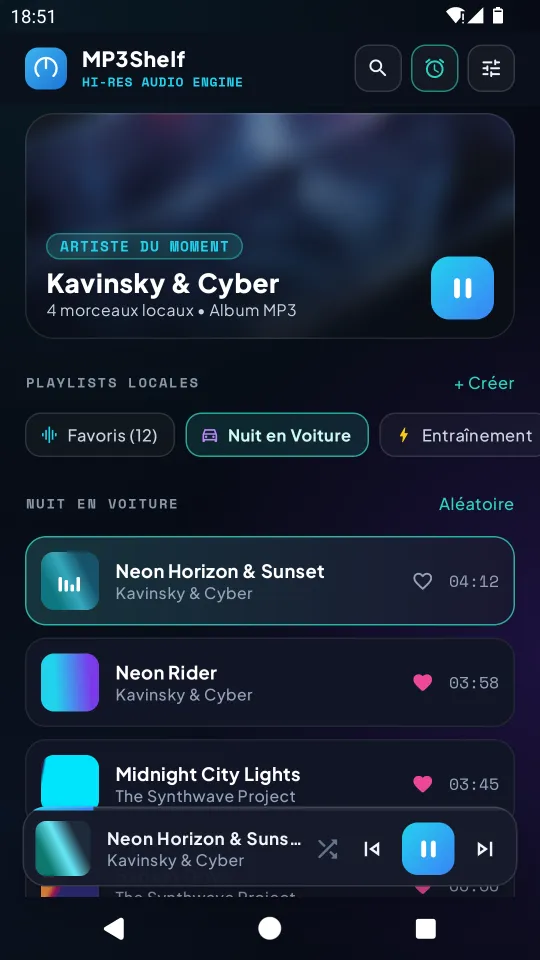
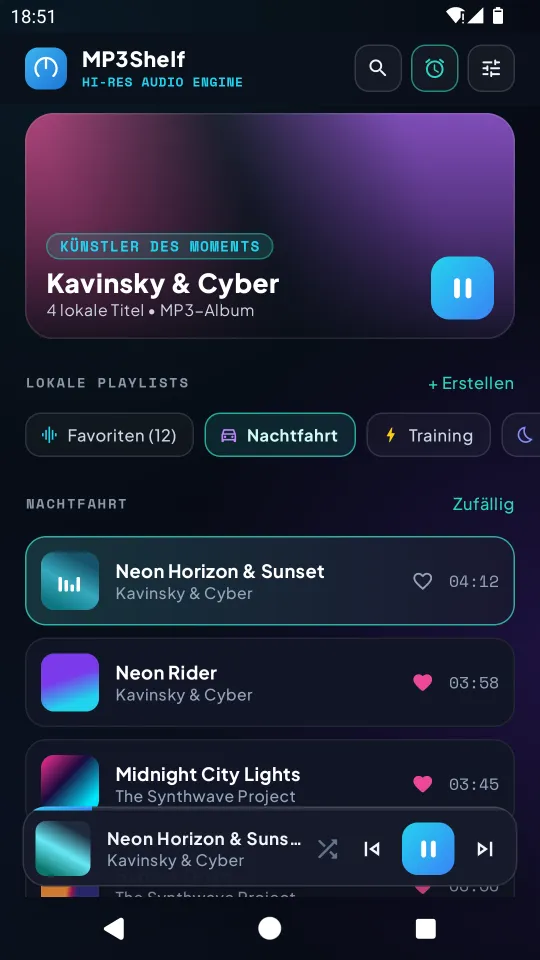
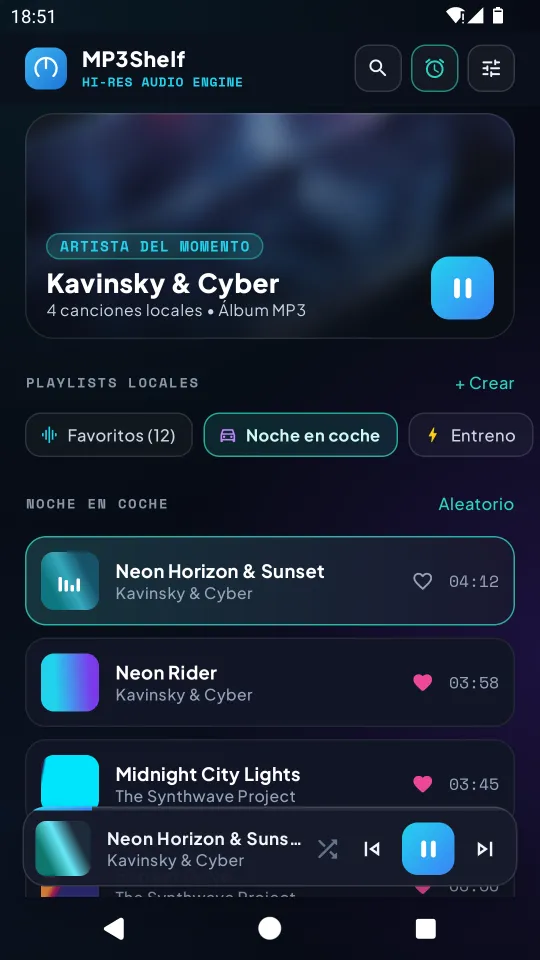
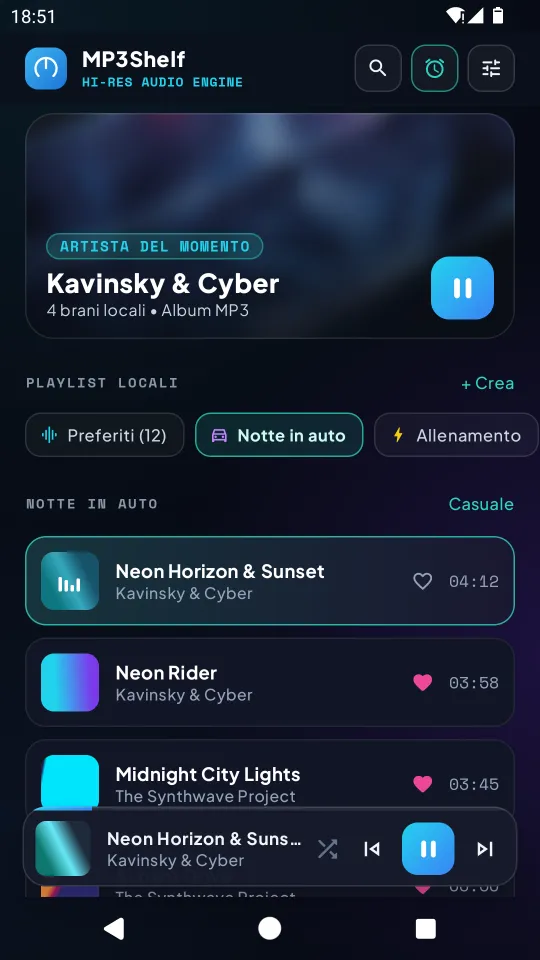
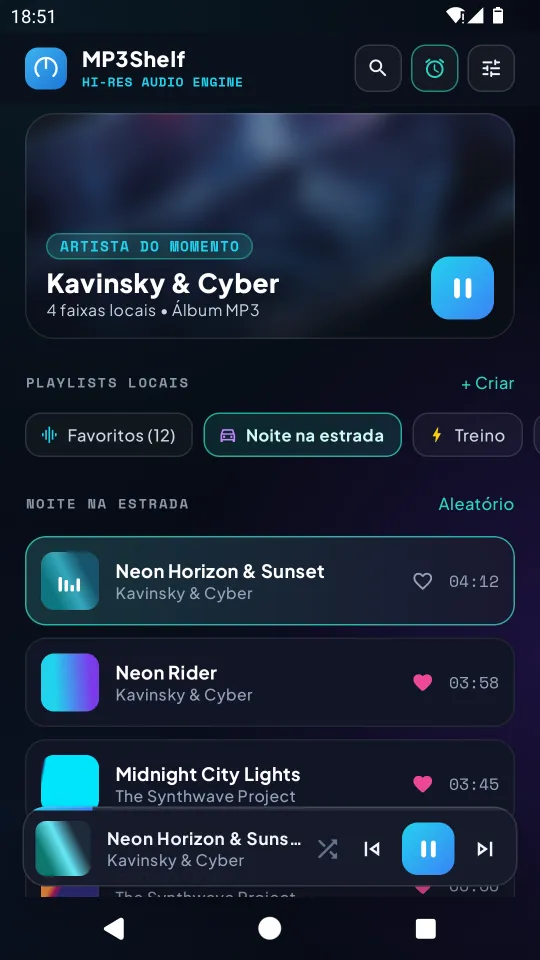
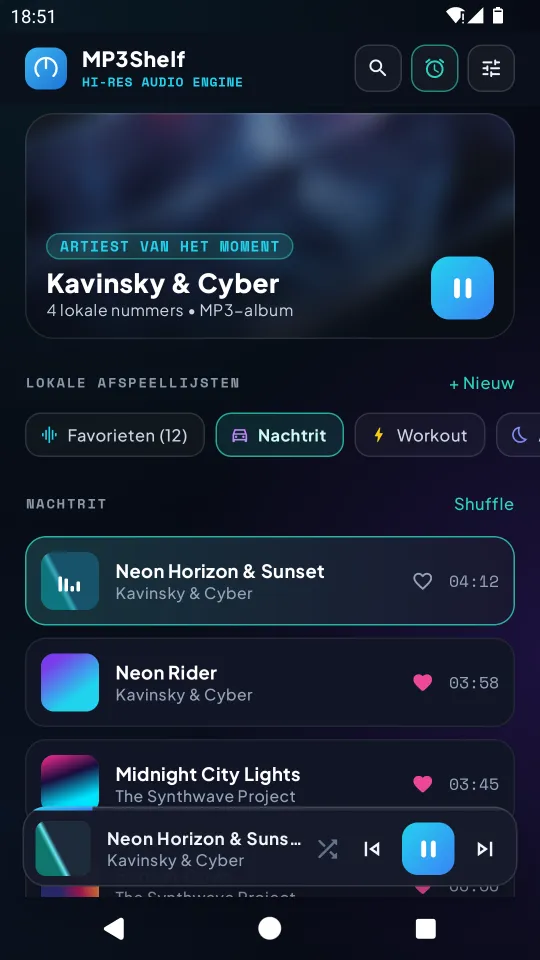
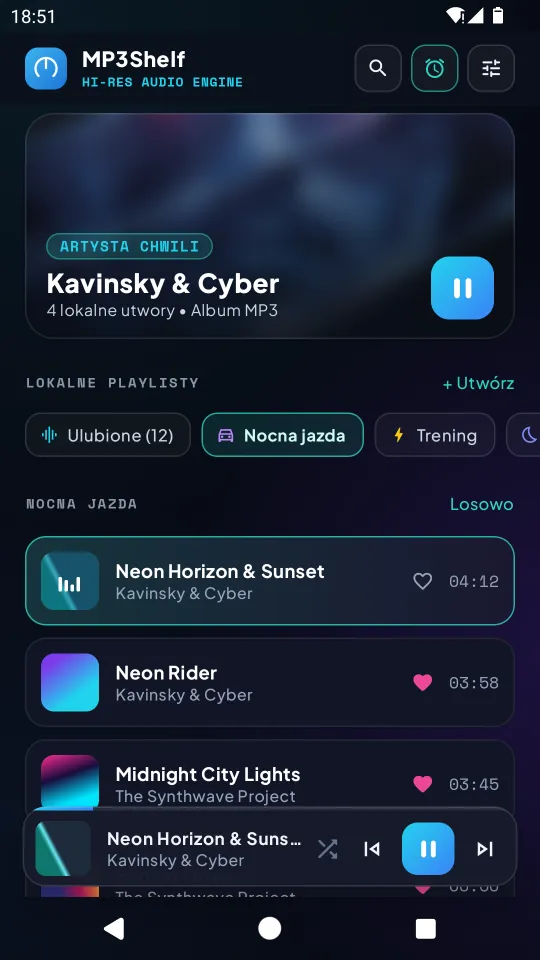
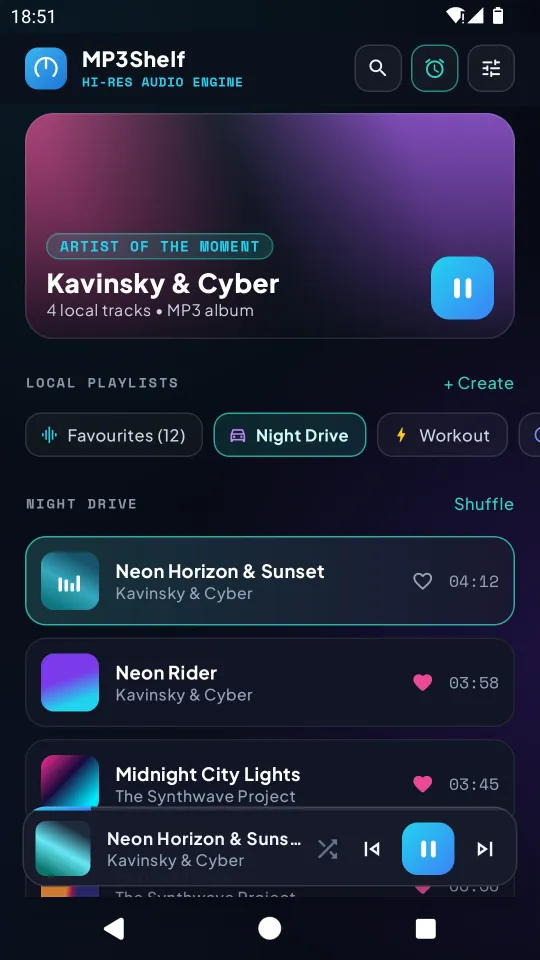
Local playlists with a name and an icon, and a heart for your favourites. Deleting a playlist never deletes files.
Artwork
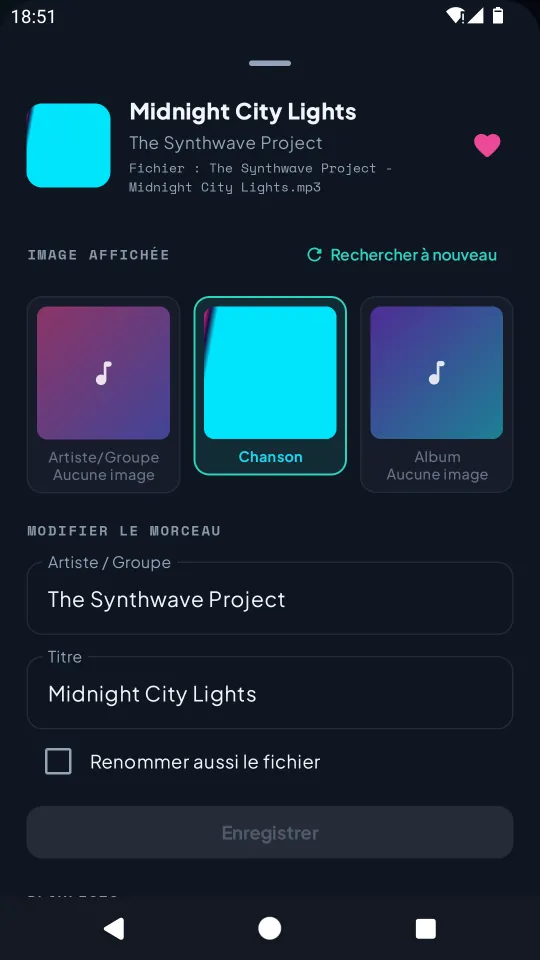
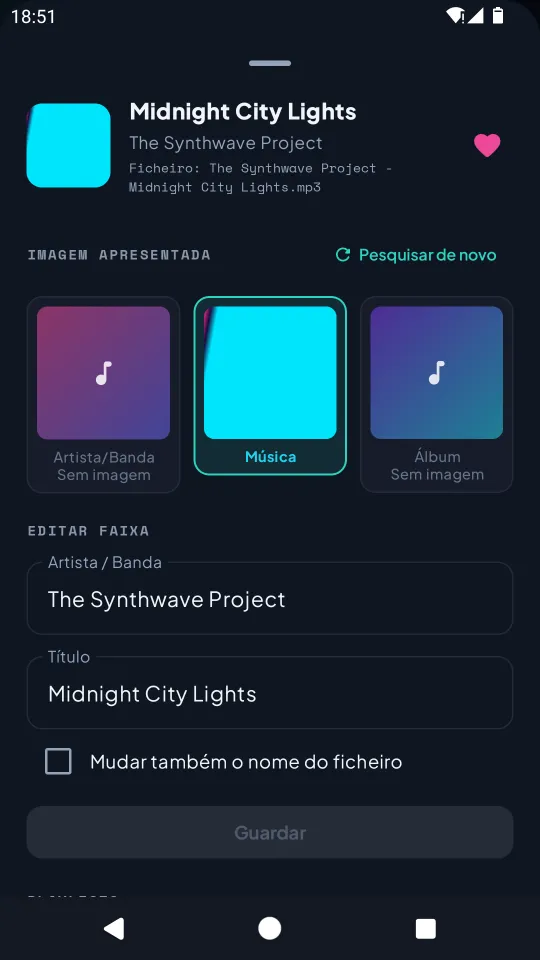
Embedded cover, or pictures found on Deezer and iTunes for the artist, the song or the album. You choose which one is shown.
Music alarm
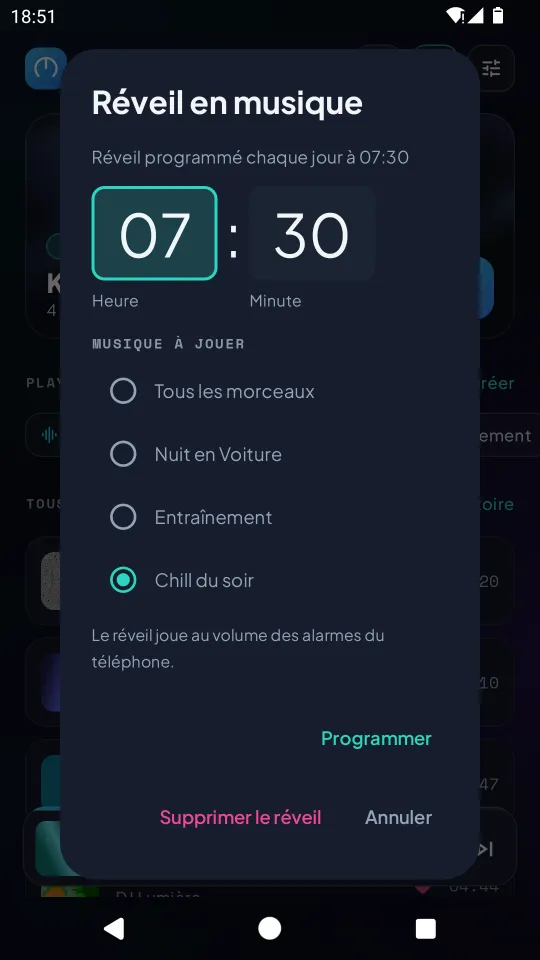
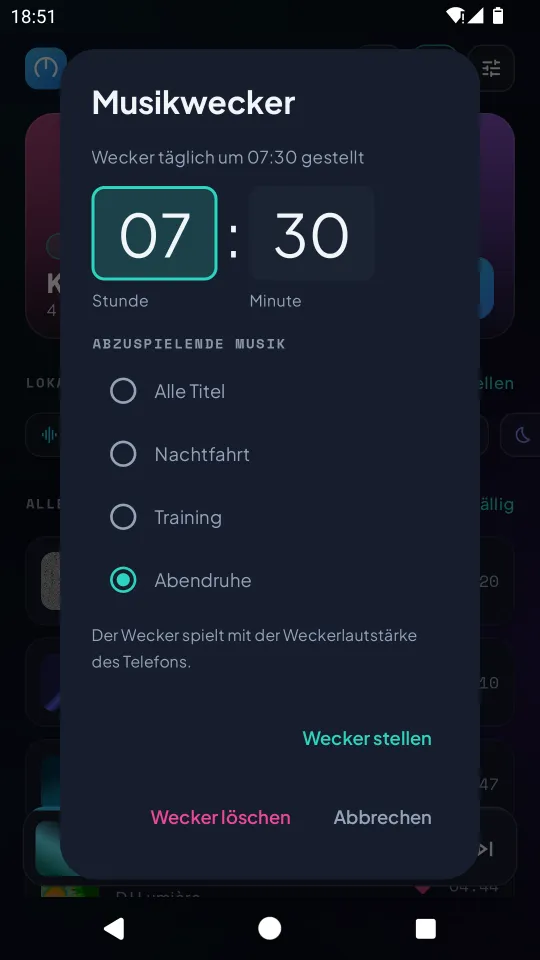
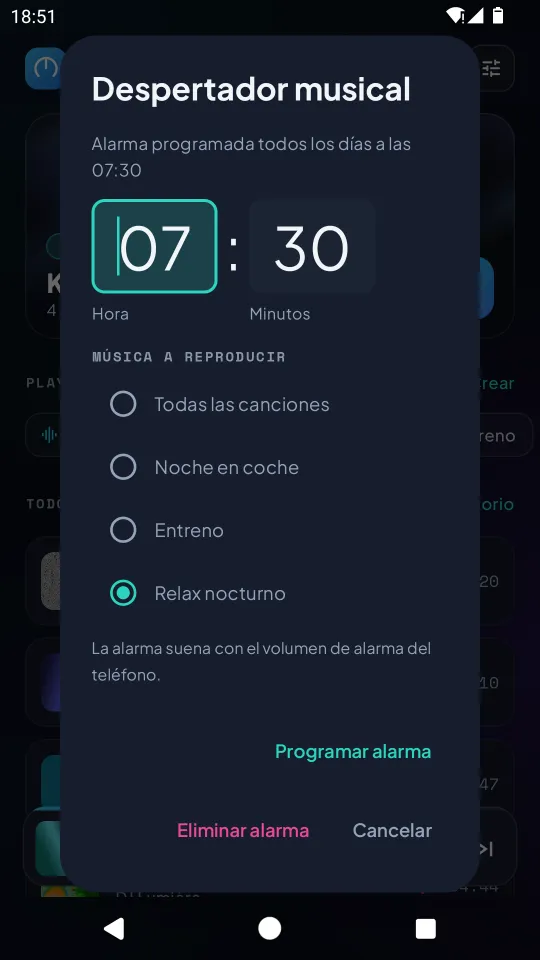
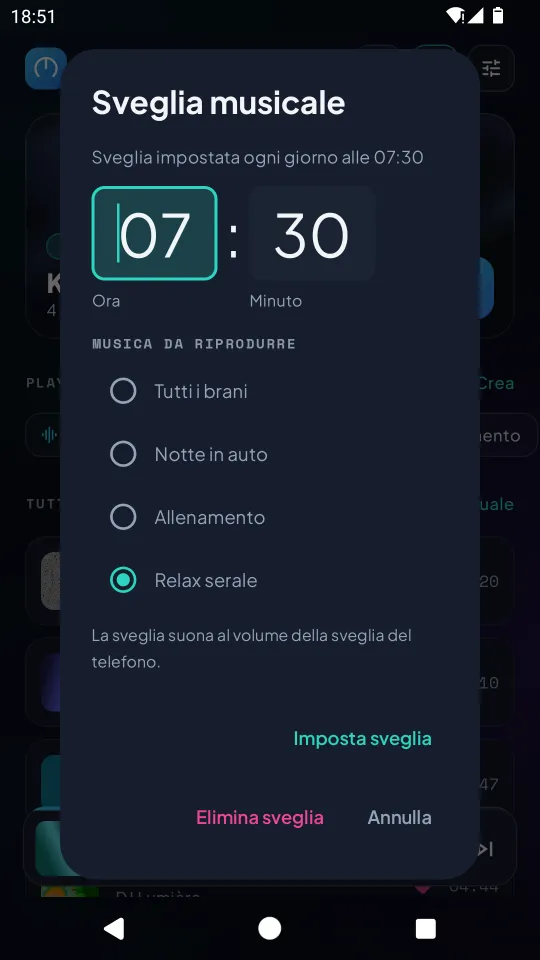
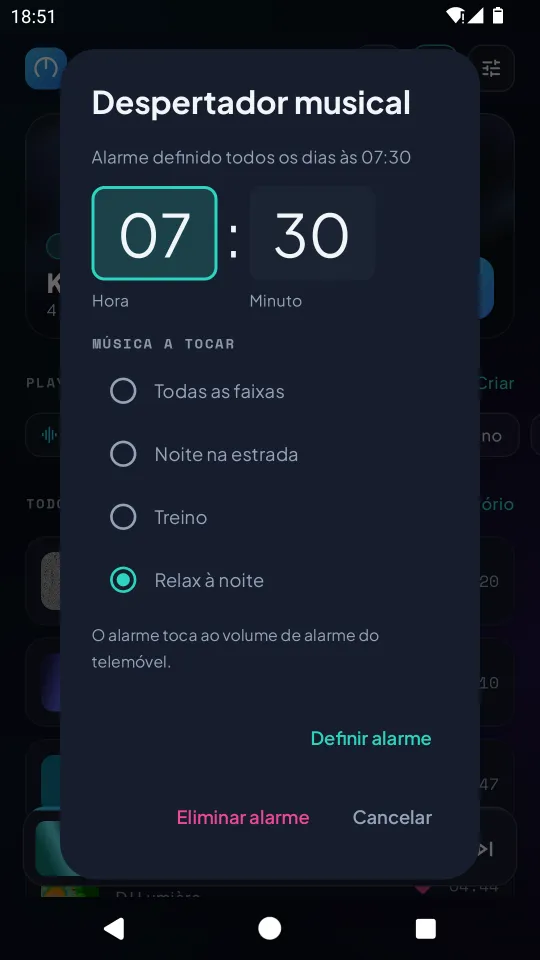
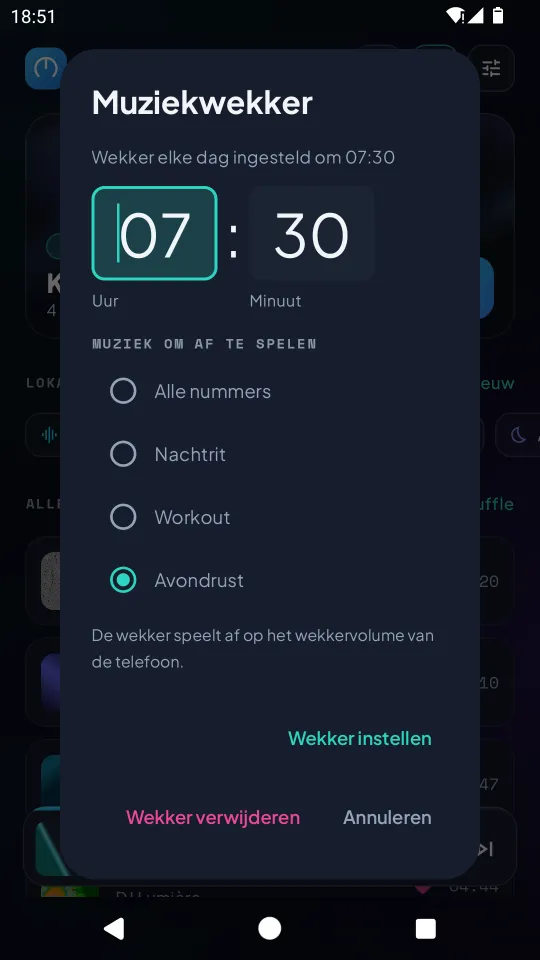
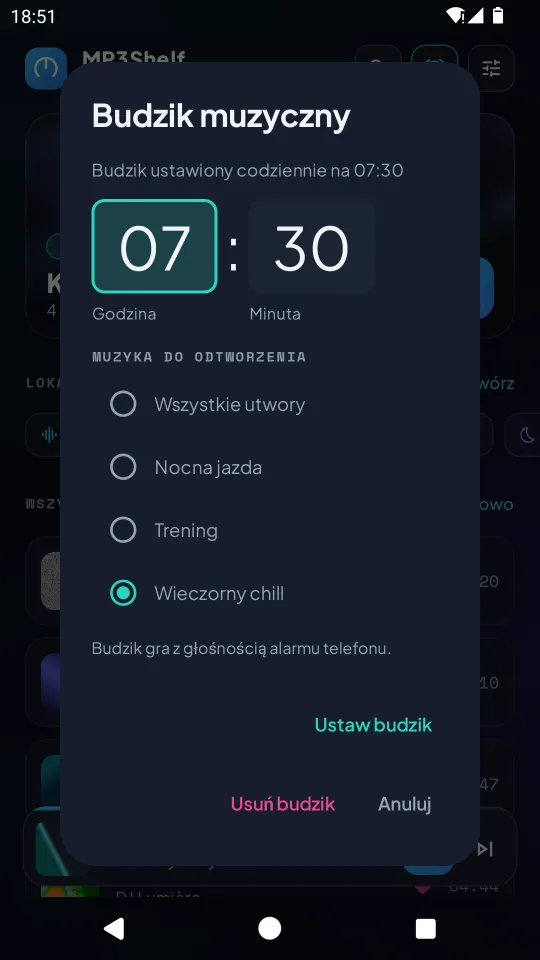
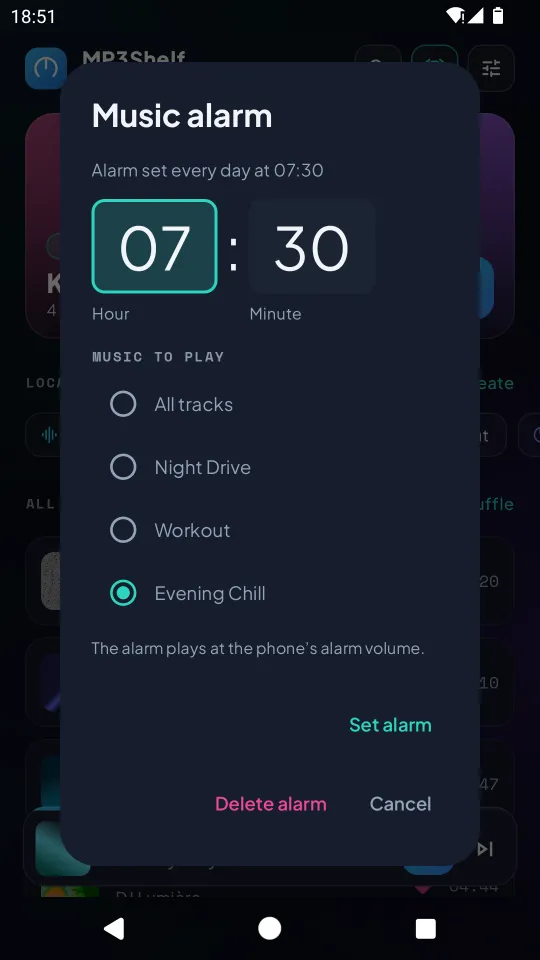
Wake up every day to a playlist or your whole library, at the phone's alarm volume.
Settings & backup
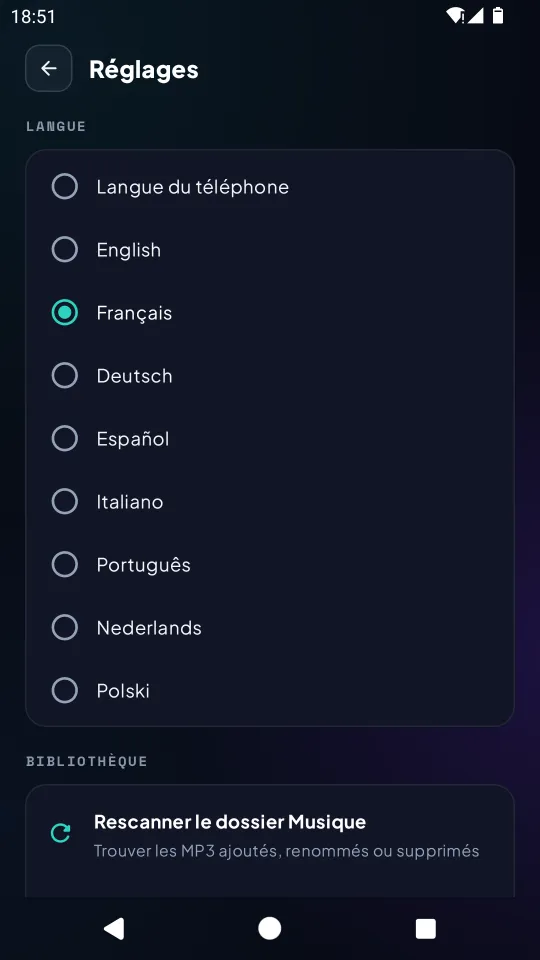
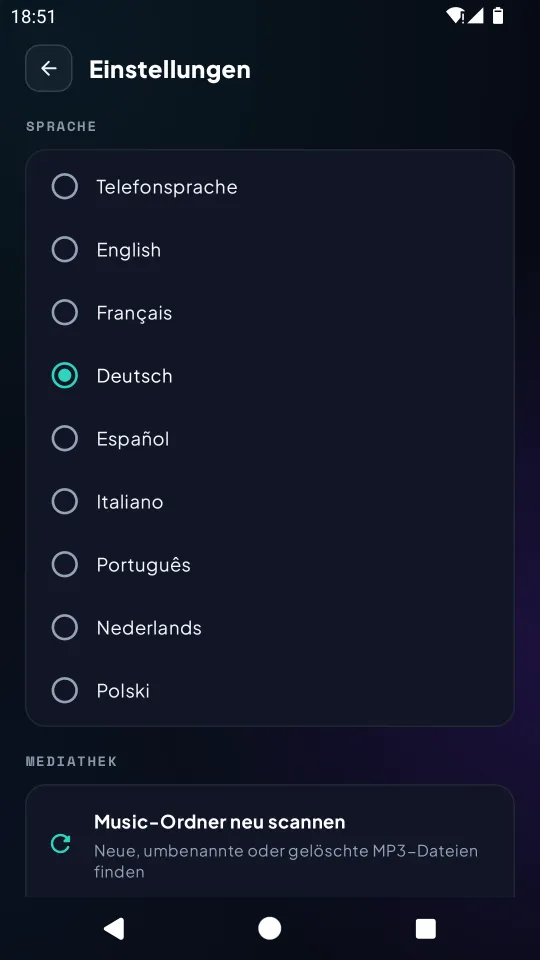
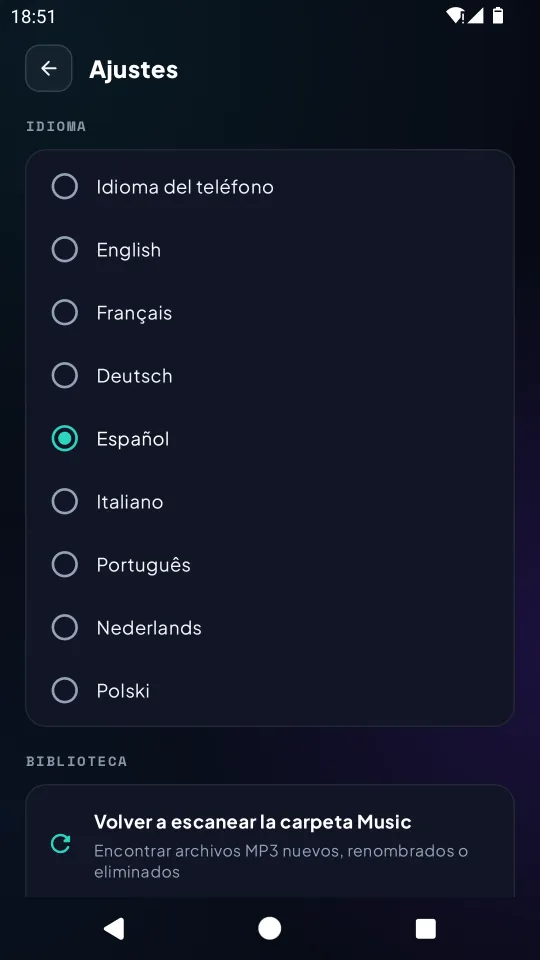
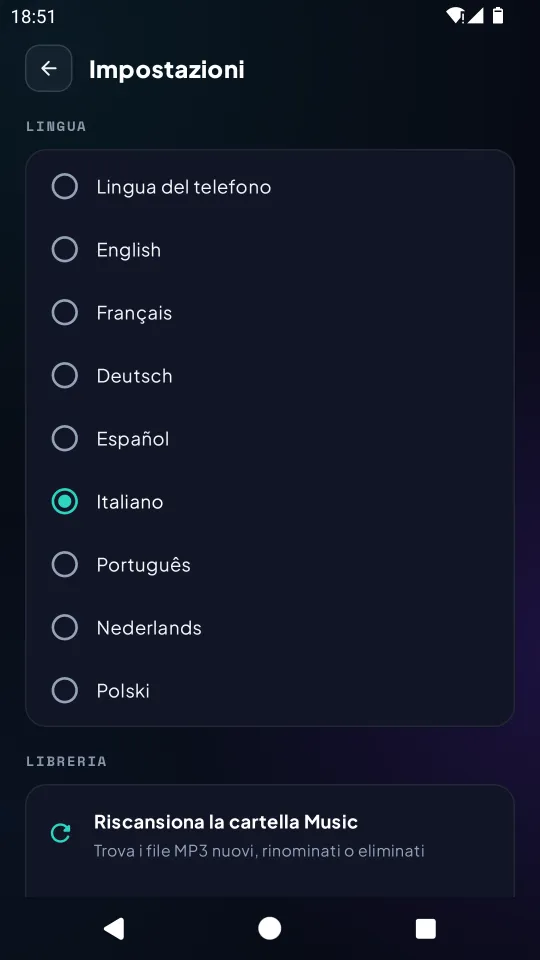
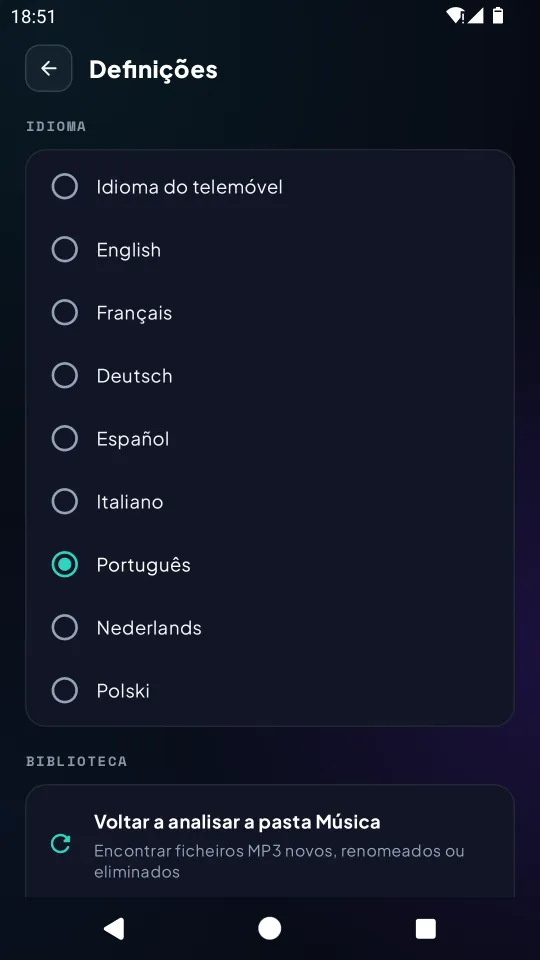
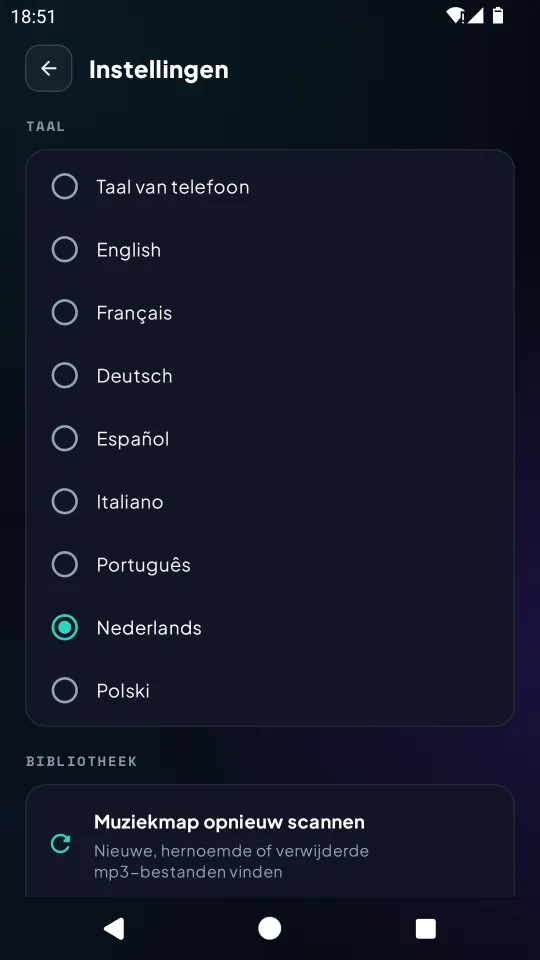
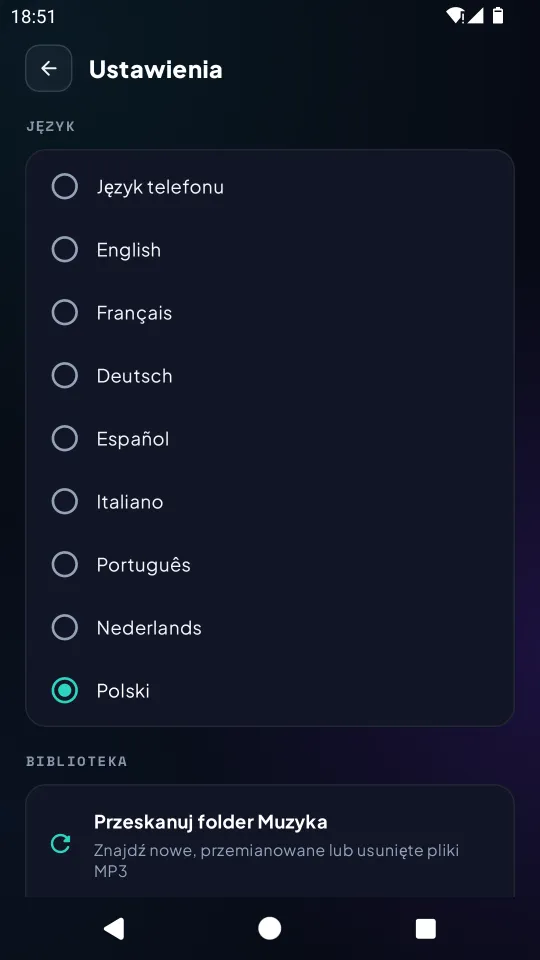
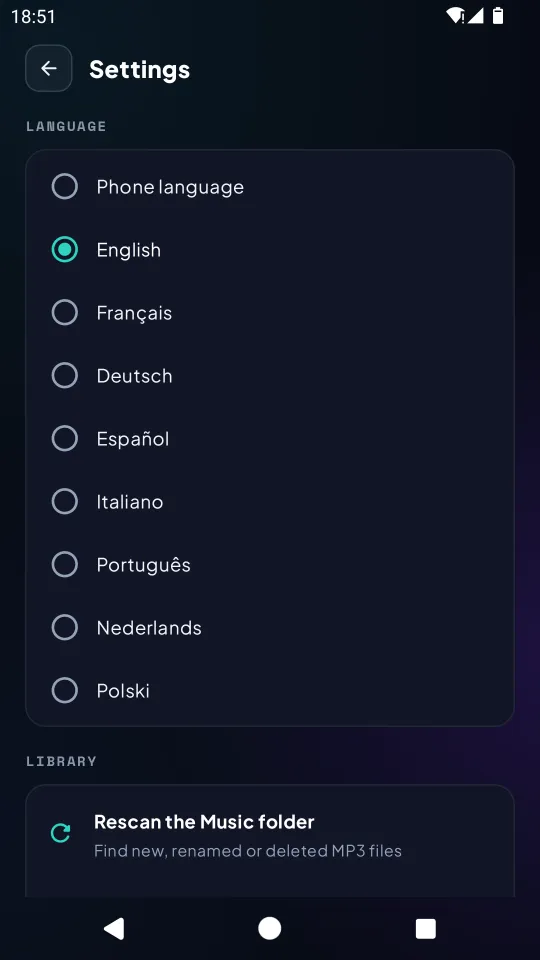
8 languages, rescan, refresh images, and CSV export / import of your library, for example to move to a new phone.
Privacy policy
Last updated: 27 October 2026
This policy explains how the Android app MP3Shelf (package com.app.mp3shelf) handles your data. MP3Shelf is published by Frédéric Vagner, an individual developer.
In short
- No account, no ads, no analytics, no crash reporting, no in-app purchases.
- The developer has no server and receives none of your data.
- Your audio files never leave your phone.
- Only the artist name, track title and album are sent to Deezer and Apple (iTunes) to find artwork.
Data stored on your phone
With your permission, the app reads the MP3 files in your Music folder. It keeps in a local database on your phone: the names you corrected, your favourites, playlists, image choices and image addresses, artwork extracted from the files, alarm settings and the chosen language. This data is not sent to the developer.
If Android backup is turned on, Android may include this data in your phone's backup, which is managed by Google under your account. The developer has no access to it.
Data sent to third parties
To show artwork, after scanning the Music folder the app sends the artist name, the track title and, if known, the album name to the Deezer API (api.deezer.com) and, if nothing is found, to the Apple iTunes Search API (itunes.apple.com), over an encrypted HTTPS connection. The images are then downloaded from the addresses these services return. No audio file and no personal identifier is sent. As with any internet request, these services and the image hosts can see your IP address. Their own privacy policies apply: Deezer, Apple.
This lookup is part of how the app works and cannot be switched off in the app. If you do not allow access to your music, nothing is listed and nothing is sent.
Library backup file (CSV)
Export writes a file to the location you choose with Android's file picker. The app does not send it anywhere. Import only reads the file you pick.
Permissions
- Music and audio (storage on Android 12 and earlier): to list and play your MP3 files.
- Storage write, on Android 9 and earlier only: to rename a file when you ask for it.
- Internet: artwork lookup and download only.
- Notifications and foreground service: playback controls while music plays in the background.
- Alarms & reminders and start at boot: ring the music alarm on time, including after the phone restarts.
What the app does not do
MP3Shelf does not sell or share your data for advertising. It does not access your location, contacts, camera, microphone, device identifiers or advertising ID.
Children
MP3Shelf is not directed at children and does not knowingly collect personal information from anyone.
Changes
Any change to this policy will be published on this page with a new date.
Data deletion
MP3Shelf has no account and the developer stores no data about you, so there is nothing to request from the developer.
To delete all the app's data, open Android Settings → Apps → MP3Shelf → Storage and tap Clear storage, or uninstall the app. This removes playlists, favourites, corrected names and image choices. The MP3 files in your Music folder are not deleted.
Requests about data held by Deezer or Apple must be sent to them directly.
Contact
Questions about the app or this policy: fred@vagner.fr